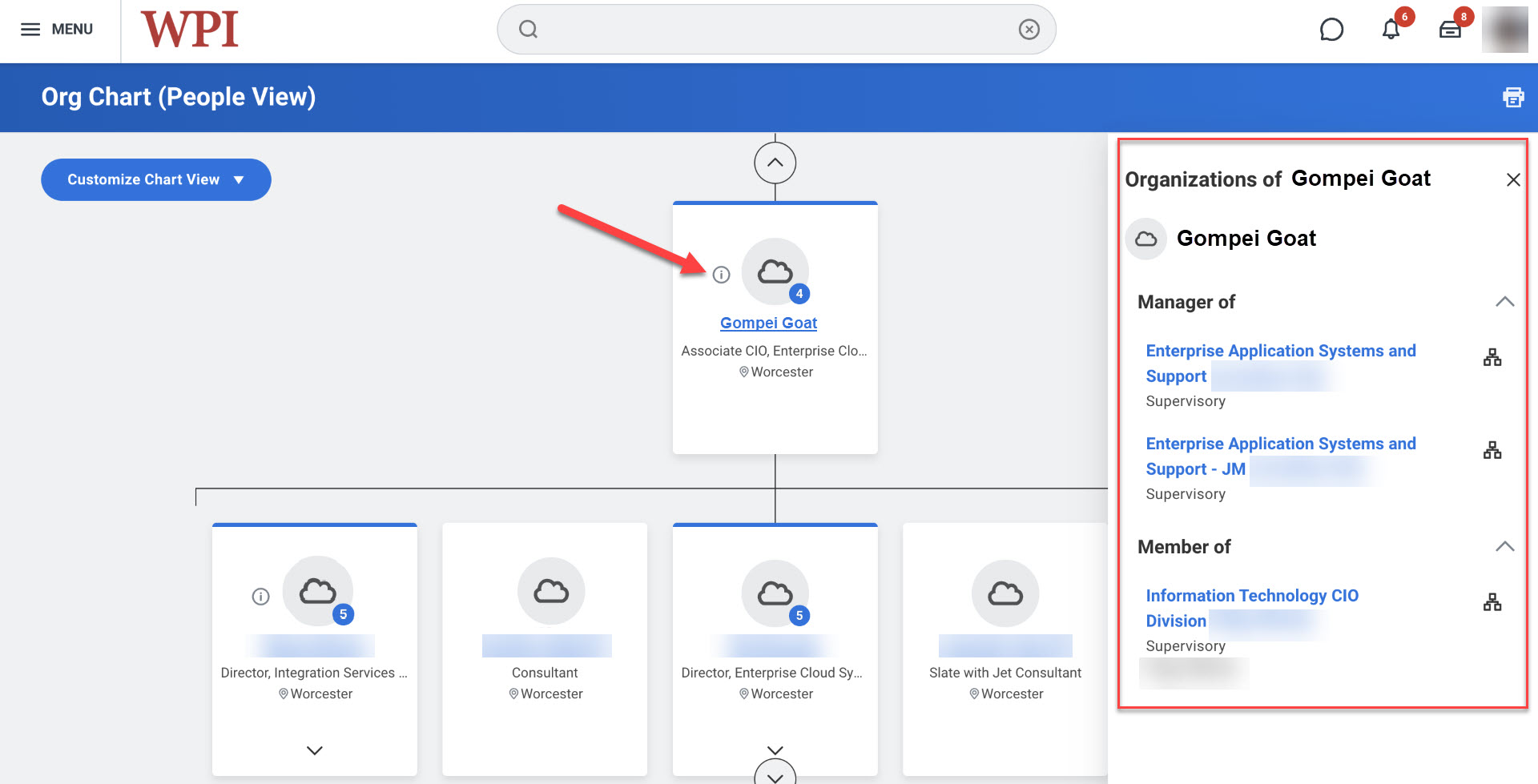
It’s now easier to find details on people who belong to multiple teams in Workday. On the Org Chart, people who are involved with multiple teams will have a little information icon on their name tile. More details are available in the news post on the Help Portal.